

محول HEIC إلى JPG — تحويل مجاني أونلاين
محول مجاني عبر الإنترنت من HEIC إلى JPG. سريع وآمن، لا يتطلب الاشتراك.
0+ ملف تم تحويله
اسحب الملف هنا
أو انقر للاختيار
مقبولة: ملفات HEIC · الحد الأقصى 100 MB لكل ملف
Large file? Get notified by email when it's ready:
We'll email you when your file is ready!
احصل على رابط التحميل المرسل إليك:
تم تحويل الملف!
لقد استخدمت جميع التحويلات المجانية الثلاثة اليوم.
يتجاوز هذا الملف الحد المسموح به وهو 25 ميجابايت.
الدفع لمرة واحدة · Stripe & PayPal
تحويل في كثير من الأحيان؟ حفظ مع الاشتراك:
فشل التحويل
حدث خطأ، لكننا سنساعدك
اترك بريدك الإلكتروني وسنرسل لك الملف المحول خلال 24 ساعة.
هل تحتاج إلى تحويل HEIC إلى JPG؟ MegaConvert يجعل الأمر سهلاً. ارفع ملف High Efficiency Image Container (HEIC) واحصل على ملف JPEG Image (JPG) في ثوانٍ — لا حاجة لتثبيت برامج أو إنشاء حساب. سواء كنت بحاجة لهذا التحويل من أجل تطوير الويب, التصوير الفوتوغرافي, التصميم الجرافيكي, وسائل التواصل الاجتماعي / الطباعة، فإن محولنا عبر الإنترنت يتعامل معه فوراً. مجاني للملفات حتى 25 ميغابايت، مع دعم للملفات الأكبر حتى 2 غيغابايت.
كيفية تحويل HEIC إلى JPG عبر الإنترنت
-
1
ارفع ملف HEIC
انقر على منطقة الرفع أو اسحب وأفلت ملف HEIC. الملفات حتى 25 ميغابايت مجانية. الملفات الأكبر مدعومة بنظام الدفع حسب الاستخدام.
-
2
اختر JPG كصيغة الإخراج
تم اختيار JPG تلقائياً في هذه الصفحة. يمكنك تعديل إعدادات التحويل حسب الحاجة.
-
3
انقر على تحويل
اضغط زر التحويل لبدء المعالجة. سيتم تحويل ملفك باستخدام خوادمنا عالية الأداء.
-
4
حمّل ملف JPG
بمجرد اكتمال التحويل، انقر على تحميل لحفظ ملف JPG الجديد. الملفات المجانية متاحة لمدة ساعة واحدة.
لماذا تحويل HEIC إلى JPG؟
- **Share iPhone photos** — HEIC is Apple's default format but most apps and websites only accept JPG.
- **توافق شامل** — JPG يعمل على جميع الأجهزة وأنظمة التشغيل والتطبيقات تقريباً بدون برامج إضافية.
- **Lock formatting** — PDF preserves exact layout on every device, preventing accidental edits.
HEIC مقابل JPG — مقارنة الصيغ
| الميزة | HEIC | JPG |
|---|---|---|
| الاسم الكامل | High Efficiency Image Container | JPEG Image |
| المطوّر | MPEG (Moving Picture Experts Group) | Joint Photographic Experts Group |
| تاريخ الإصدار الأول | 2015 | 1992 |
| الفئة | Image | Image |
| الامتداد | .heic | .jpg |
| نوع MIME | image/heic | image/jpeg |
Lossy formats (JPG, WebP) may reduce quality. Use PNG or TIFF for lossless conversion.
حول تنسيق HEIC
تنسيق الصور الافتراضي من Apple يستخدم ضغط HEVC للملفات الصغيرة ذات الجودة العالية.
الاسم الكامل: High Efficiency Image Container
المطوّر: MPEG (Moving Picture Experts Group) (2015)
حول تنسيق JPG
تنسيق الصور المضغوطة المفقود على نطاق واسع مثالي للصور الفوتوغرافية.
الاسم الكامل: JPEG Image
المطوّر: Joint Photographic Experts Group (1992)
الأسئلة الشائعة
From the Blog
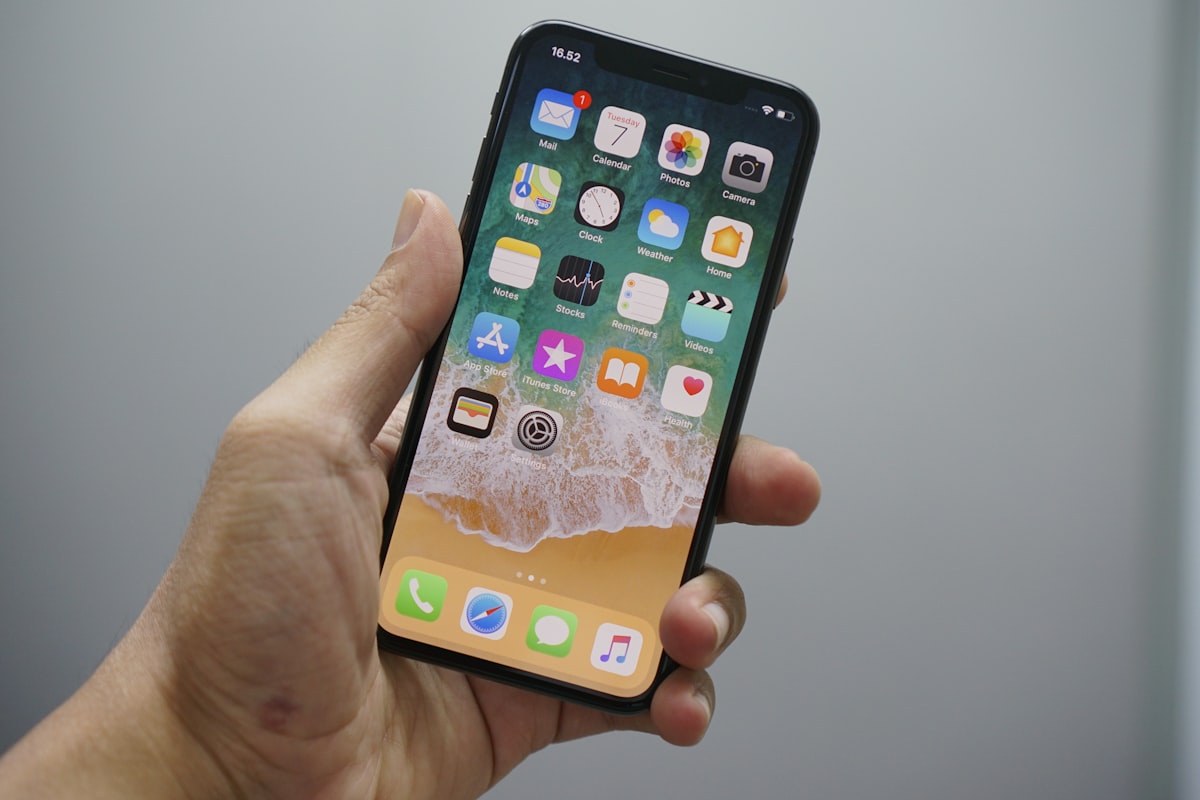
كيفية تحويل HEIC إلى JPG
لتحويل HEIC إلى JPG، ارفع .heic إلى MegaConvert.io — أقل من 5 ثوانٍ، مجاناً.

كيفية تحويل JPG إلى PDF
لتحويل JPG إلى PDF، ارفع إلى MegaConvert.io — مستند نظيف في ثوانٍ. مجاناً.

كيفية تحويل PNG إلى ICO (Favicon)
لتحويل PNG إلى ICO للفافيكون، ارفع .png إلى MegaConvert.io — ملف أيقونة مثالي، مجاناً.
