

Convertitore M4A in OGG — Converti Online Gratis
Convertitore online gratuito da M4A a OGG. Veloce, sicuro, senza registrazione.
0+ file convertiti
Trascina il file qui
o clicca per sfogliare
Accettato: file M4A · Massimo 100 MB per file
Large file? Get notified by email when it's ready:
We'll email you when your file is ready!
Ricevi il link di download:
File convertito!
Hai usato tutte le 3 conversioni gratuite di oggi.
Il file supera il limite gratuito di 25MB.
Pagamento unico · Stripe & PayPal
Converti spesso? Risparmia con un abbonamento:
Conversione Fallita
Qualcosa è andato storto, ma ci pensiamo noi
Lasciaci la tua email e ti invieremo il file convertito entro 24 ore.
Devi convertire M4A in OGG? MegaConvert lo rende semplice. Carica il tuo file MPEG-4 Audio (M4A) e ottieni un file Ogg Vorbis (OGG) in pochi secondi — nessun software da installare, nessuna registrazione richiesta. Che tu abbia bisogno di questa conversione per riproduzione musicale, podcasting, compatibilità dispositivi / streaming web, il nostro convertitore online se ne occupa all’istante. Gratuito per file fino a 25MB, con supporto per file più grandi fino a 2GB.
Come Convertire M4A in OGG Online
-
1
Carica il tuo file M4A
Clicca sull’area di caricamento o trascina il tuo file M4A. I file fino a 25MB sono gratuiti. I file più grandi sono supportati con pagamento a consumo.
-
2
Scegli OGG come formato di uscita
OGG è già selezionato su questa pagina. Puoi modificare le impostazioni di conversione se necessario.
-
3
Clicca su Converti
Premi il pulsante Converti per avviare l’elaborazione. Il tuo file verrà convertito utilizzando i nostri server ad alte prestazioni.
-
4
Scarica il tuo file OGG
Una volta completata la conversione, clicca su Scarica per salvare il tuo nuovo file OGG. I file gratuiti restano disponibili per 1 ora.
Perché Convertire M4A in OGG?
- **Compatibilità Apple** — M4A è utilizzato principalmente su dispositivi Apple. Converti in OGG per l’uso universale su Windows, Android e Linux.
- **Ridurre le dimensioni** — La conversione tra formati può ridurre significativamente le dimensioni del file, facilitando la condivisione via e-mail o l’archiviazione cloud.
- **Requisiti software** — Il tuo software o la tua piattaforma potrebbe richiedere specificamente il formato OGG. La conversione garantisce piena compatibilità.
M4A vs OGG — Confronto dei Formati
| Caratteristica | M4A | OGG |
|---|---|---|
| Nome Completo | MPEG-4 Audio | Ogg Vorbis |
| Sviluppatore | Apple (based on MPEG-4) | Xiph.Org Foundation |
| Prima Versione | 2001 | 2000 |
| Categoria | Audio | Audio |
| Estensione | .m4a | .ogg |
| Tipo MIME | audio/mp4 | audio/ogg |
Converting from lossy to lossless does not improve quality. Start from lossless source when possible.
Info Formato M4A
Formato audio di Apple che utilizza il codec AAC o ALAC all'interno di un contenitore MP4.
Nome completo: MPEG-4 Audio
Sviluppatore: Apple (based on MPEG-4) (2001)
Info Formato OGG
Formato audio con perdita di dati aperto e gratuito con qualità paragonabile o migliore di MP3.
Nome completo: Ogg Vorbis
Sviluppatore: Xiph.Org Foundation (2000)
Domande Frequenti
From the Blog
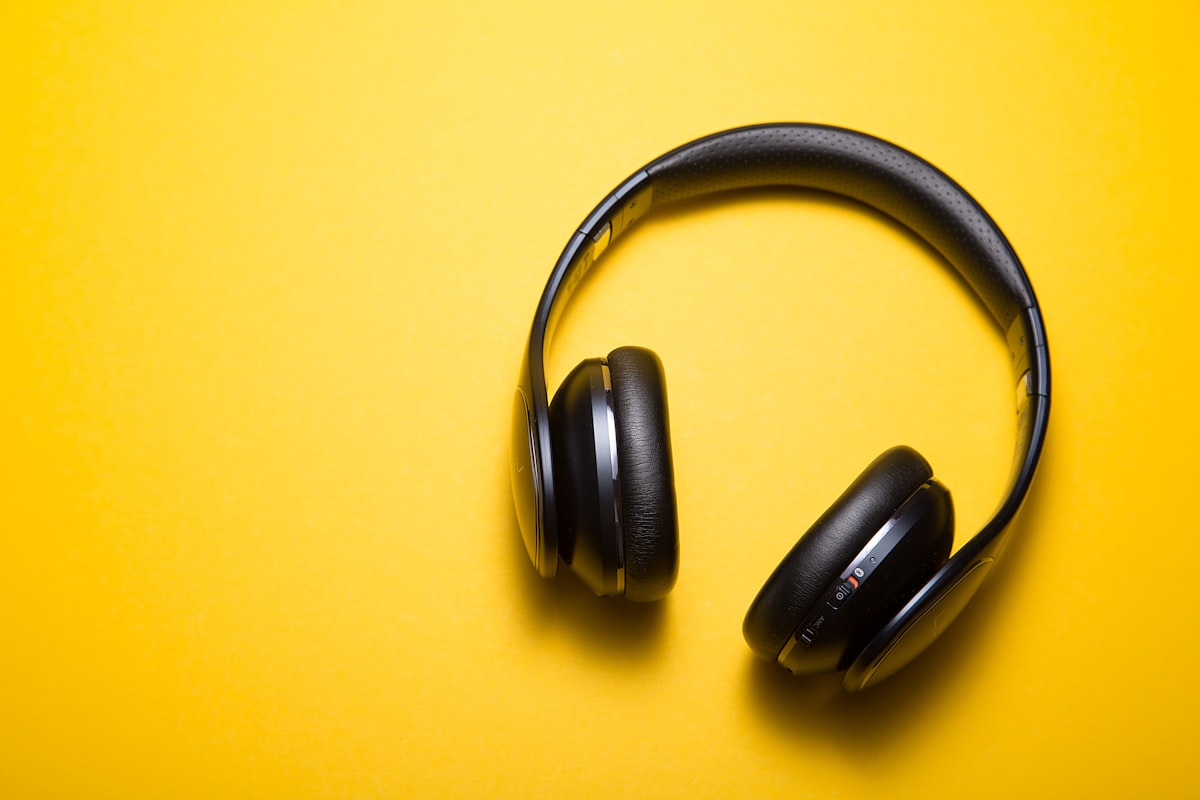
Come convertire OGG in MP3
Per convertire OGG in MP3, carica .ogg su MegaConvert.io — compatibile ovunque, gratis.

Come convertire MP3 in WAV
Per convertire MP3 in WAV, carica .mp3 su MegaConvert.io — audio non compresso per editing, gratis.

Come convertire FLAC in MP3
Per convertire FLAC in MP3, carica .flac su MegaConvert.io — audio lossless in MP3 compatto, gratis.
