

Convertitore HEIC in JPG — Converti Online Gratis
Convertitore online gratuito da HEIC a JPG. Veloce, sicuro, senza registrazione.
0+ file convertiti
Trascina il file qui
o clicca per sfogliare
Accettato: file HEIC · Massimo 100 MB per file
Large file? Get notified by email when it's ready:
We'll email you when your file is ready!
Ricevi il link di download:
File convertito!
Hai usato tutte le 3 conversioni gratuite di oggi.
Il file supera il limite gratuito di 25MB.
Pagamento unico · Stripe & PayPal
Converti spesso? Risparmia con un abbonamento:
Conversione Fallita
Qualcosa è andato storto, ma ci pensiamo noi
Lasciaci la tua email e ti invieremo il file convertito entro 24 ore.
Devi convertire HEIC in JPG? MegaConvert lo rende semplice. Carica il tuo file High Efficiency Image Container (HEIC) e ottieni un file JPEG Image (JPG) in pochi secondi — nessun software da installare, nessuna registrazione richiesta. Che tu abbia bisogno di questa conversione per sviluppo web, fotografia, progettazione grafica, social media / stampa, il nostro convertitore online se ne occupa all’istante. Gratuito per file fino a 25MB, con supporto per file più grandi fino a 2GB.
Come Convertire HEIC in JPG Online
-
1
Carica il tuo file HEIC
Clicca sull’area di caricamento o trascina il tuo file HEIC. I file fino a 25MB sono gratuiti. I file più grandi sono supportati con pagamento a consumo.
-
2
Scegli JPG come formato di uscita
JPG è già selezionato su questa pagina. Puoi modificare le impostazioni di conversione se necessario.
-
3
Clicca su Converti
Premi il pulsante Converti per avviare l’elaborazione. Il tuo file verrà convertito utilizzando i nostri server ad alte prestazioni.
-
4
Scarica il tuo file JPG
Una volta completata la conversione, clicca su Scarica per salvare il tuo nuovo file JPG. I file gratuiti restano disponibili per 1 ora.
Perché Convertire HEIC in JPG?
- **Share iPhone photos** — HEIC is Apple's default format but most apps and websites only accept JPG.
- **Compatibilità universale** — JPG funziona su praticamente qualsiasi dispositivo, sistema operativo e applicazione senza software aggiuntivo.
- **Lock formatting** — PDF preserves exact layout on every device, preventing accidental edits.
HEIC vs JPG — Confronto dei Formati
| Caratteristica | HEIC | JPG |
|---|---|---|
| Nome Completo | High Efficiency Image Container | JPEG Image |
| Sviluppatore | MPEG (Moving Picture Experts Group) | Joint Photographic Experts Group |
| Prima Versione | 2015 | 1992 |
| Categoria | Image | Image |
| Estensione | .heic | .jpg |
| Tipo MIME | image/heic | image/jpeg |
Lossy formats (JPG, WebP) may reduce quality. Use PNG or TIFF for lossless conversion.
Info Formato HEIC
Il formato foto predefinito di Apple che utilizza la compressione HEVC per file più piccoli con alta qualità.
Nome completo: High Efficiency Image Container
Sviluppatore: MPEG (Moving Picture Experts Group) (2015)
Info Formato JPG
Formato di immagine compresso con perdita ampiamente utilizzato, ideale per le fotografie.
Nome completo: JPEG Image
Sviluppatore: Joint Photographic Experts Group (1992)
Domande Frequenti
From the Blog
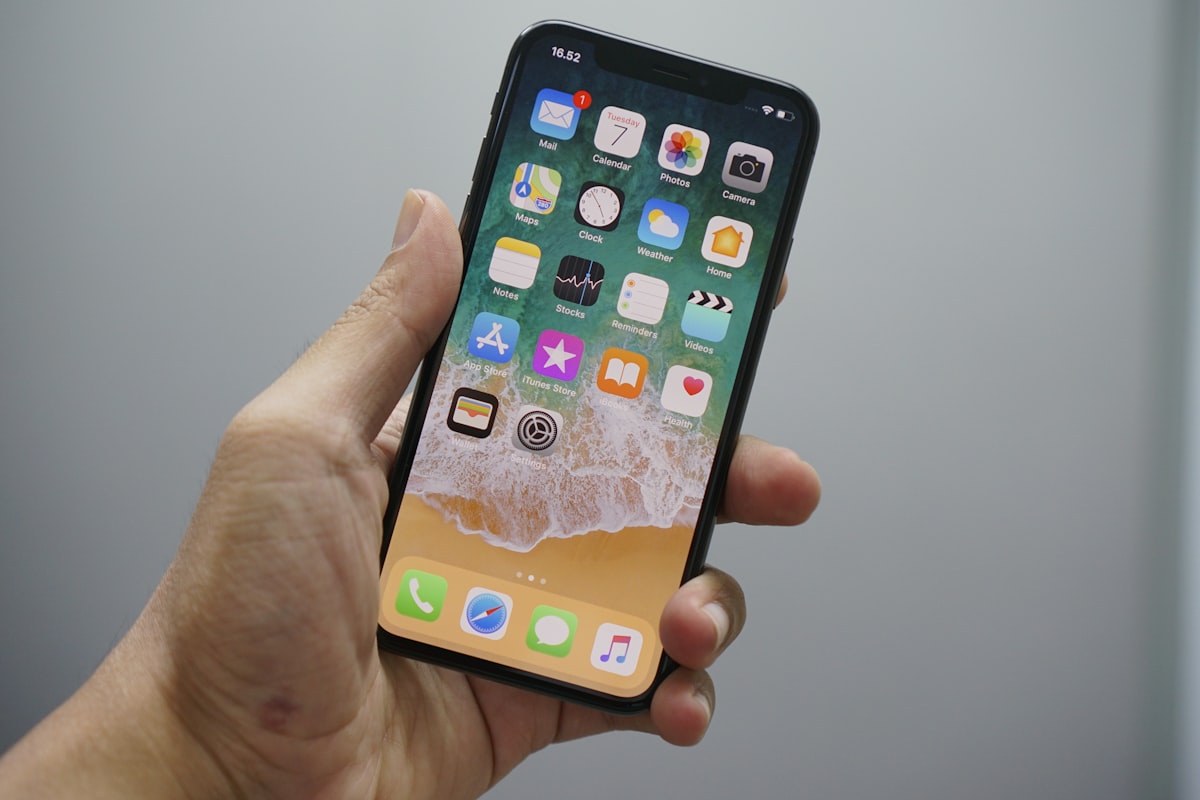
Come convertire HEIC in JPG
Per convertire HEIC in JPG, carica il .heic su MegaConvert.io — meno di 5 secondi, gratis.

Come Convertire JPG in PDF (Singole o Multiple)
Per convertire JPG in PDF, carica le immagini su MegaConvert.io — documento pulito in secondi. Gratis.

Come convertire PNG in ICO (Favicon)
Per convertire PNG in ICO per favicon, carica .png su MegaConvert.io — icona perfetta, gratis.
