

HEIC से JPG कन्वर्टर — मुफ़्त ऑनलाइन बदलें
मुफ़्त ऑनलाइन HEIC से JPG कनवर्टर। तेज़, सुरक्षित, कोई साइनअप आवश्यक नहीं।
0+ फ़ाइलें रूपांतरित
फ़ाइल यहाँ खींचें
या ब्राउज़ करने के लिए क्लिक करें
स्वीकृत: HEIC फ़ाइलें · प्रति फ़ाइल अधिकतम 100 MB
Large file? Get notified by email when it's ready:
We'll email you when your file is ready!
आपको भेजा गया डाउनलोड लिंक प्राप्त करें:
फ़ाइल परिवर्तित!
आपने आज सभी 3 निःशुल्क रूपांतरणों का उपयोग कर लिया है।
यह फ़ाइल निःशुल्क 25एमबी सीमा से अधिक है।
एक - बारगी भुगतान · Stripe & PayPal
अक्सर रूपांतरित करें? सदस्यता के साथ बचत करें:
रूपांतरण असफल
कुछ गड़बड़ हुई, लेकिन हम मदद करेंगे
अपना ईमेल छोड़ें, हम 24 घंटे में कनवर्ट फ़ाइल भेज देंगे।
HEIC को JPG में बदलना है? MegaConvert इसे आसान बनाता है। अपनी High Efficiency Image Container (HEIC) फ़ाइल अपलोड करें और कुछ ही सेकंड में JPEG Image (JPG) फ़ाइल प्राप्त करें — कोई सॉफ़्टवेयर इंस्टॉल करने या साइन अप करने की ज़रूरत नहीं। चाहे आपको यह रूपांतरण वेब डेवलपमेंट, फ़ोटोग्राफ़ी, ग्राफ़िक डिज़ाइन, सोशल मीडिया / प्रिंटिंग के लिए चाहिए, हमारा ऑनलाइन कन्वर्टर इसे तुरंत संभालता है। 25MB तक की फ़ाइलों के लिए मुफ़्त, 2GB तक की बड़ी फ़ाइलों के लिए सहायता उपलब्ध।
HEIC को JPG में ऑनलाइन कैसे बदलें
-
1
अपनी HEIC फ़ाइल अपलोड करें
अपलोड क्षेत्र पर क्लिक करें या अपनी HEIC फ़ाइल ड्रैग और ड्रॉप करें। 25MB तक की फ़ाइलें मुफ़्त हैं। बड़ी फ़ाइलें प्रति-उपयोग भुगतान के साथ समर्थित हैं।
-
2
आउटपुट फ़ॉर्मेट के रूप में JPG चुनें
इस पेज पर JPG स्वचालित रूप से चुना गया है। आवश्यकतानुसार रूपांतरण सेटिंग्स समायोजित कर सकते हैं।
-
3
कन्वर्ट पर क्लिक करें
प्रोसेसिंग शुरू करने के लिए कन्वर्ट बटन दबाएँ। आपकी फ़ाइल हमारे उच्च-प्रदर्शन सर्वरों पर रूपांतरित होगी।
-
4
अपनी JPG फ़ाइल डाउनलोड करें
रूपांतरण पूरा होने पर, अपनी नई JPG फ़ाइल सहेजने के लिए डाउनलोड पर क्लिक करें। मुफ़्त फ़ाइलें 1 घंटे तक उपलब्ध रहती हैं।
HEIC को JPG में क्यों बदलें?
- **Share iPhone photos** — HEIC is Apple's default format but most apps and websites only accept JPG.
- **सार्वभौमिक संगतता** — JPG लगभग हर डिवाइस, ऑपरेटिंग सिस्टम और एप्लिकेशन पर बिना अतिरिक्त सॉफ़्टवेयर के काम करता है।
- **Lock formatting** — PDF preserves exact layout on every device, preventing accidental edits.
HEIC बनाम JPG — फ़ॉर्मेट तुलना
| विशेषता | HEIC | JPG |
|---|---|---|
| पूरा नाम | High Efficiency Image Container | JPEG Image |
| डेवलपर | MPEG (Moving Picture Experts Group) | Joint Photographic Experts Group |
| पहली बार जारी | 2015 | 1992 |
| श्रेणी | Image | Image |
| एक्सटेंशन | .heic | .jpg |
| MIME प्रकार | image/heic | image/jpeg |
Lossy formats (JPG, WebP) may reduce quality. Use PNG or TIFF for lossless conversion.
HEIC प्रारूप के बारे में
उच्च गुणवत्ता वाली छोटी फ़ाइलों के लिए HEVC संपीड़न का उपयोग करते हुए Apple का डिफ़ॉल्ट फ़ोटो प्रारूप।
पूरा नाम: High Efficiency Image Container
डेवलपर: MPEG (Moving Picture Experts Group) (2015)
JPG प्रारूप के बारे में
तस्वीरों के लिए व्यापक रूप से उपयोग किया जाने वाला हानिपूर्ण संपीड़ित छवि प्रारूप आदर्श है।
पूरा नाम: JPEG Image
डेवलपर: Joint Photographic Experts Group (1992)
अक्सर पूछे जाने वाले प्रश्न
From the Blog
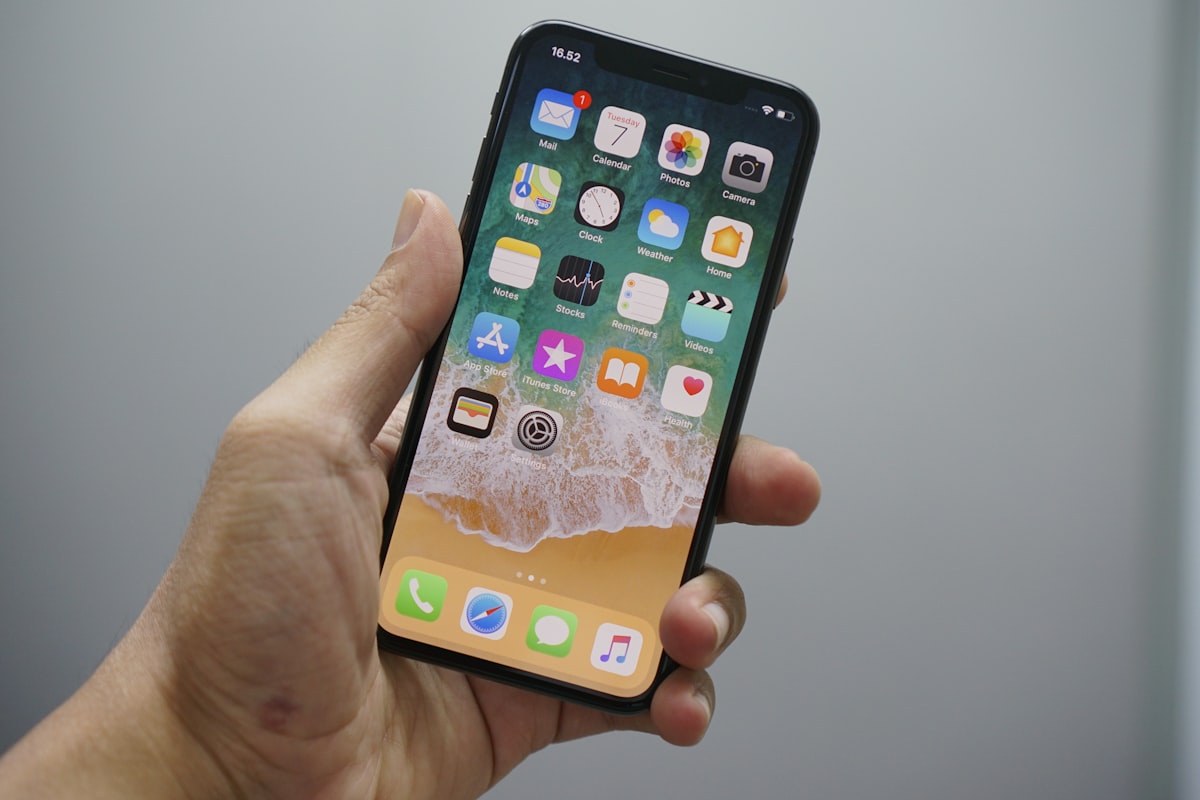
HEIC को JPG में कैसे बदलें
HEIC को JPG में बदलने के लिए .heic को MegaConvert.io पर अपलोड करें — 5 सेकंड से कम, मुफ्त।
JPG को PDF में कैसे कन्वर्ट करें
JPG को PDF में कन्वर्ट करने के लिए MegaConvert.io पर अपलोड करें — साफ डॉक्यूमेंट सेकंडों में। मुफ्त।

PNG को ICO (Favicon) में कैसे कन्वर्ट करें
PNG को ICO में कन्वर्ट करने के लिए .png को MegaConvert.io पर अपलोड करें — परफेक्ट आइकन, मुफ्त।
