

Chuyển đổi HEIC sang WebP — Miễn phí Trực tuyến
Chuyển đổi trực tuyến miễn phí HEICừ sang WebP. Nhanh chóng, an toàn, không cần đăng ký.
0+ tệp đã chuyển đổi
Thả tập tin của bạn ở đây
hoặc bấm vào để duyệt
Đã chấp nhận: tệp HEIC · Tối đa 100 MB cho mỗi tệp
Large file? Get notified by email when it's ready:
We'll email you when your file is ready!
Tập tin đã được chuyển đổi!
Bạn đã sử dụng cả 3 chuyển đổi miễn phí ngày hôm nay.
Tệp này vượt quá giới hạn 25MB miễn phí.
Thanh toán một lần · Stripe & PayPal
Chuyển đổi thường xuyên? Lưu với đăng ký:
Chuyển đổi không thành công
Chúng tôi gặp khó khăn, nhưng chúng tôi có bạn
Để lại email của bạn và chúng tôi sẽ gửi cho bạn tệp đã chuyển đổi trong vòng 24 giờ.
Bạn cần chuyển đổi HEIC sang WEBP? MegaConvert giúp bạn thực hiện dễ dàng. Tải lên tệp High Efficiency Image Container (HEIC) của bạn và nhận tệp WebP Image (WEBP) trong vài giây — không cần cài đặt phần mềm, không cần đăng ký. Dù bạn cần chuyển đổi này cho phát triển web, nhiếp ảnh, thiết kế đồ họa, mạng xã hội / in ấn, công cụ chuyển đổi trực tuyến của chúng tôi xử lý ngay lập tức. Miễn phí cho tệp đến 25MB, hỗ trợ tệp lớn đến 2GB.
Cách Chuyển Đổi HEIC Sang WEBP Trực Tuyến
-
1
Tải lên tệp HEIC của bạn
Nhấp vào vùng tải lên hoặc kéo và thả tệp HEIC của bạn. Tệp đến 25MB được miễn phí. Tệp lớn hơn được hỗ trợ với thanh toán theo lượt.
-
2
Chọn WEBP làm định dạng đầu ra
WEBP được tự động chọn trên trang này. Bạn có thể điều chỉnh cài đặt chuyển đổi nếu cần.
-
3
Nhấp Chuyển đổi
Nhấn nút Chuyển đổi để bắt đầu xử lý. Tệp của bạn sẽ được chuyển đổi bằng máy chủ hiệu suất cao của chúng tôi.
-
4
Tải xuống tệp WEBP của bạn
Khi chuyển đổi hoàn tất, nhấp Tải xuống để lưu tệp WEBP mới của bạn. Tệp miễn phí có sẵn trong 1 giờ.
Tại Sao Chuyển Đổi HEIC Sang WEBP?
- **Hiệu suất tốt hơn** — WEBP cung cấp khả năng nén và chất lượng tốt hơn so với các định dạng cũ, giảm kích thước tệp mà vẫn giữ độ trung thực.
- **Tối ưu cho web** — WEBP được thiết kế cho sử dụng web, cung cấp thời gian tải nhanh hơn và hỗ trợ trình duyệt tốt hơn.
- **Chia sẻ đa nền tảng** — HEIC chủ yếu được sử dụng trên thiết bị Apple. Chuyển đổi sang WEBP đảm bảo tệp của bạn hoạt động trên Windows, Android và Linux.
- **Giảm kích thước tệp** — Chuyển đổi giữa các định dạng có thể giảm đáng kể kích thước tệp, giúp dễ chia sẻ qua email hoặc lưu trữ đám mây.
- **Yêu cầu phần mềm** — Phần mềm hoặc nền tảng của bạn có thể yêu cầu cụ thể định dạng WEBP. Chuyển đổi đảm bảo tương thích hoàn toàn.
HEIC so với WEBP — So Sánh Định Dạng
| Tính năng | HEIC | WEBP |
|---|---|---|
| Tên đầy đủ | High Efficiency Image Container | WebP Image |
| Nhà phát triển | MPEG (Moving Picture Experts Group) | |
| Phát hành lần đầu | 2015 | 2010 |
| Danh mục | Image | Image |
| Phần mở rộng | .heic | .webp |
| Loại MIME | image/heic | image/webp |
Lossy formats (JPG, WebP) may reduce quality. Use PNG or TIFF for lossless conversion.
Giới thiệu về định dạng HEIC
Định dạng ảnh mặc định của Apple sử dụng tính năng nén HEVC cho các tệp nhỏ hơn với chất lượng cao.
Tên đầy đủ: High Efficiency Image Container
Nhà phát triển: MPEG (Moving Picture Experts Group) (2015)
Giới thiệu về định dạng WebP
Định dạng hình ảnh hiện đại cung cấp tính năng nén không mất dữ liệu và mất dữ liệu vượt trội cho hình ảnh trên web.
Tên đầy đủ: WebP Image
Nhà phát triển: Google (2010)
Câu Hỏi Thường Gặp
From the Blog

Cách chuyển đổi ảnh sang WebP và AVIF cho web
Để chuyển ảnh sang WebP hoặc AVIF, tải JPG hoặc PNG lên MegaConvert.io — nhỏ hơn 25-50%, không mất chất lượng.

Cách chuyển đổi video sang GIF
Để chuyển video sang GIF, tải MP4 hoặc MOV lên MegaConvert.io — GIF động trong vài giây, miễn phí.
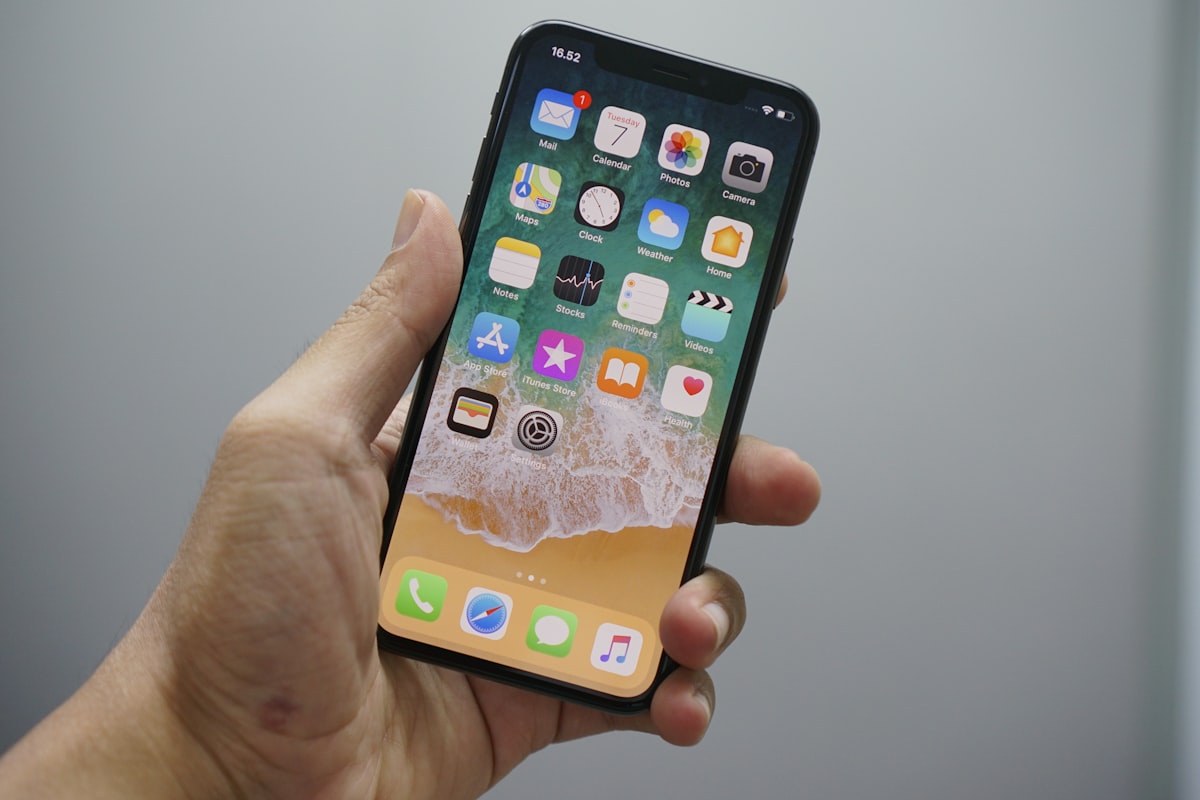
Cách chuyển đổi HEIC sang JPG
Để chuyển HEIC sang JPG, tải .heic lên MegaConvert.io — dưới 5 giây, miễn phí.
