Cum să convertești MOV în MP4
M
MegaConvert Team
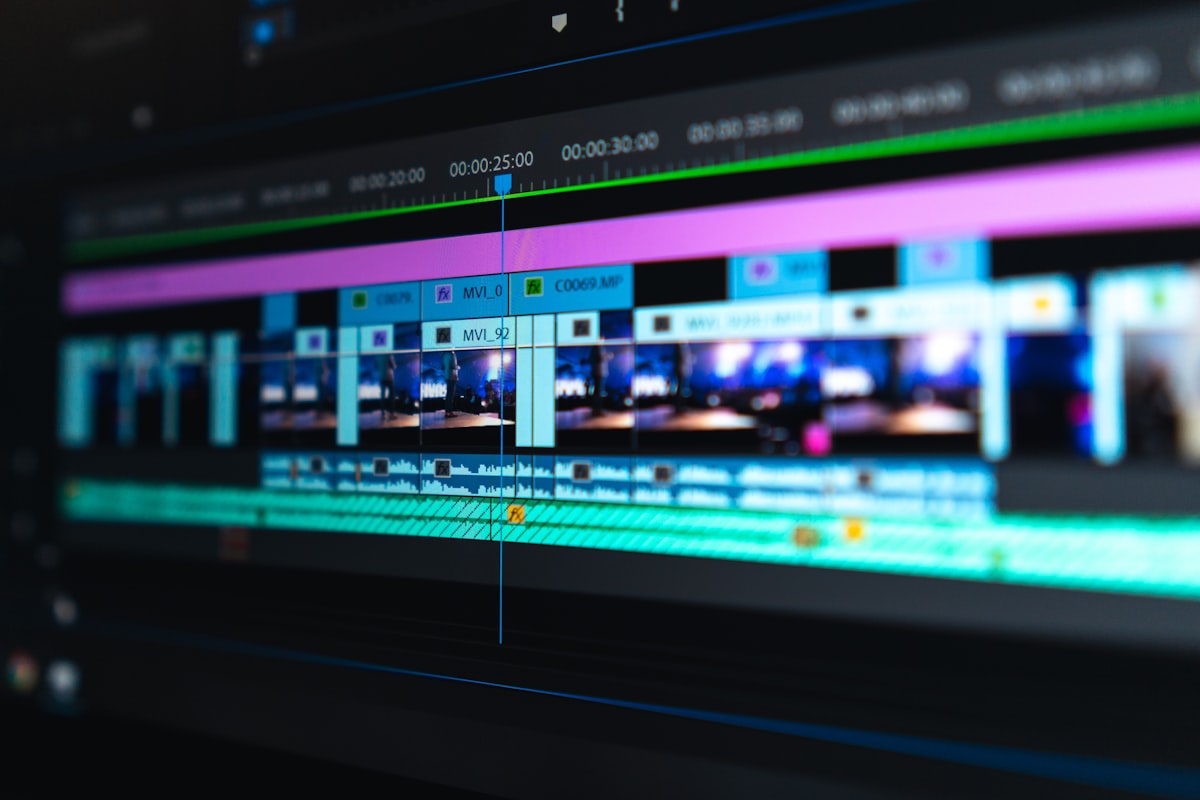
iPhone înregistrează video în format MOV. Majoritatea lumii non-Apple nu-l poate reda corect. MP4 rezolvă asta. MegaConvert.io
Cum Să Convertești
- Mergi la megaconvert.io/ro/mov-la-mp4.
- Trage și plasează fișierul .mov.
- Descarcă .mp4.
De Ce
- MOV is Apple-only — won't play properly on Windows, Android, or many Smart TVs.
- Social media — YouTube, Instagram, TikTok, and LinkedIn all prefer MP4.
- Smaller files — MP4 with H.264 encoding is typically more compact than MOV.
Conversii Asociate
- MOV to GIF — create animated clips.
- AVI to MP4 — another common conversion.
- MP4 to MOV — reverse for Apple workflows.
- MP4 to MP3 — extract audio.
Pentru Dezvoltatori
curl -X POST https://megaconvert.io/api/v1/convert/sync \
  -H "X-API-Key: YOUR_API_KEY" \
  -F "file=@input.mov" \
  -F "output_format=mp4" \
  -o output.mp4
#iphone
#mp4
#video
#apple
#mov
Ready to convert your files?
Free online converter supporting 500+ formats. No signup required.
Start Converting