

HEIC - PNG Dönüştürücü — Ücretsiz Çevrimiçi
Ücretsiz çevrimiçi HEIC'den PNG'ye dönüştürücü. Hızlı, güvenli, kayıt olmanıza gerek yok.
0+ dosya dönüştürüldü
Dosyanızı buraya bırakın
veya seçmek için tıklayın
Kabul edildi: HEICı biçimlendir · Maks100 MB başına boyut
Large file? Get notified by email when it's ready:
We'll email you when your file is ready!
Dosya dönüştürüldü!
Bugün 3 ücretsiz dönüşümün tamamını kullandınız.
Bu dosya ücretsiz 25MB sınırını aşıyor.
Tek seferlik ödeme · Stripe & PayPal
Sık sık dönüştürüyor musunuz? Abonelikle kaydedin:
Dönüşüm Başarısız
Bir sorun oluştu ama sizi yalnız bırakmayız
E-postanızı bırakın, dönüştürülmüş dosyayı 24 saat içinde gönderelim.
HEIC dosyasını PNG formatına dönüştürmeniz mi gerekiyor? MegaConvert bunu kolaylaştırır. High Efficiency Image Container (HEIC) dosyanızı yükleyin ve saniyeler içinde Portable Network Graphics (PNG) dosyanızı alın — yazılım yüklemeye veya kayıt olmaya gerek yok. Bu dönüştürmeye web geliştirme, fotoğrafçılık, grafik tasarım, sosyal medya / baskı için ihtiyacınız olsun, çevrimiçi dönüştürücümüz anında halleder. 25 MB'a kadar dosyalar ücretsiz, 2 GB'a kadar büyük dosyalar desteklenir.
HEIC Dosyasını PNG Formatına Çevrimiçi Dönüştürme
-
1
HEIC dosyanızı yükleyin
Yükleme alanına tıklayın veya HEIC dosyanızı sürükleyip bırakın. 25 MB'a kadar dosyalar ücretsizdir. Daha büyük dosyalar kullandıkça öde ile desteklenir.
-
2
Çıkış formatı olarak PNG seçin
Bu sayfada PNG formatı otomatik olarak seçilmiştir. Gerekirse dönüştürme ayarlarını düzenleyebilirsiniz.
-
3
Dönüştür'e tıklayın
İşlemi başlatmak için Dönüştür düğmesine tıklayın. Dosyanız yüksek performanslı sunucularımızda dönüştürülecektir.
-
4
PNG dosyanızı indirin
Dönüştürme tamamlandığında, yeni PNG dosyanızı kaydetmek için İndir'e tıklayın. Ücretsiz dosyalar 1 saat boyunca kullanılabilir.
Neden HEIC Dosyasını PNG Formatına Dönüştürmelisiniz?
- **Kaliteyi koruyun** — PNG kayıpsız sıkıştırma kullanır ve dönüştürme sırasında kalite kaybı yaşanmaz.
- **Transparency support** — PNG handles transparent backgrounds that JPG cannot.
- **Best for editing** — PNG is the preferred format for photo editing software.
HEIC ve PNG — Format Karşılaştırması
| Özellik | HEIC | PNG |
|---|---|---|
| Tam Adı | High Efficiency Image Container | Portable Network Graphics |
| Geliştirici | MPEG (Moving Picture Experts Group) | PNG Development Group (W3C) |
| İlk Yayın | 2015 | 1996 |
| Kategori | Image | Image |
| Uzantı | .heic | .png |
| MIME Türü | image/heic | image/png |
Lossy formats (JPG, WebP) may reduce quality. Use PNG or TIFF for lossless conversion.
HEIC Hakkında
Yüksek kalitede daha küçük dosyalar için HEVC sıkıştırmasını kullanan Apple'ın varsayılan fotoğraf formatı.
Ad Soyad: High Efficiency Image Container
Geliştirici: MPEG (Moving Picture Experts Group) (2015)
PNG Hakkında
Grafikler ve ekran görüntüleri için ideal, şeffaflık desteğine sahip kayıpsız sıkıştırılmış görüntü formatı.
Ad Soyad: Portable Network Graphics
Geliştirici: PNG Development Group (W3C) (1996)
Sık Sorulan Sorular
From the Blog
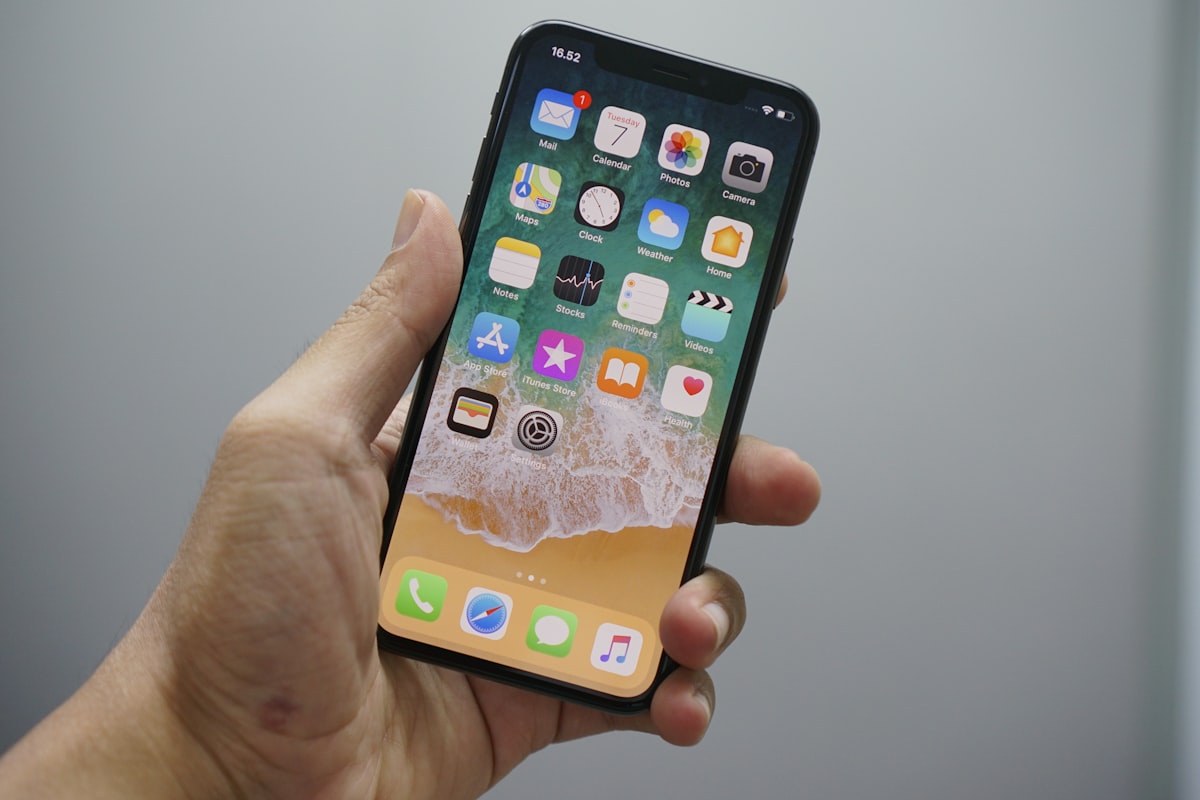
HEIC'i JPG'ye nasıl dönüştürülür
HEIC'i JPG'ye dönüştürmek için .heic dosyanızı MegaConvert.io'ya yükleyin — 5 saniyeden kısa, ücretsiz.

PNG'yi ICO'ya (Favicon) nasıl dönüştürülür
PNG'yi ICO'ya dönüştürmek için .png'yi MegaConvert.io'ya yükleyin — mükemmel favicon, ücretsiz.

TIFF'i JPG'ye nasıl dönüştürülür
TIFF'i JPG'ye dönüştürmek için .tiff'i MegaConvert.io'ya yükleyin — büyük taramalar kompakt olur, ücretsiz.
