如何将HEIC转换为JPG
M
MegaConvert Team
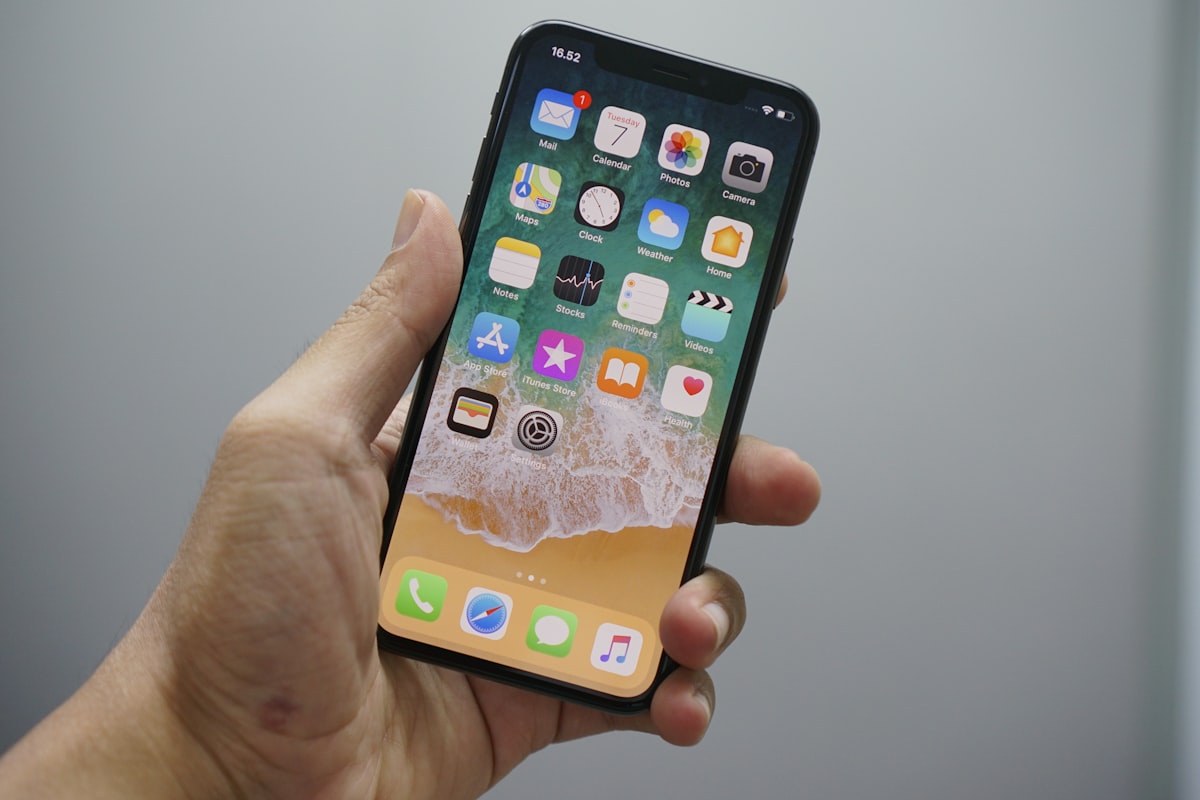
iPhone照片是HEIC格式,Windows、Android和大多数网站无法打开。以下是5秒解决方法。 MegaConvert.io
如何转换
- 打开 megaconvert.io/zh/heic-to-jpg.
- 拖放文件 .heic.
- 下载 .jpg.
为什么
- Windows can't open HEIC without installing extensions from the Microsoft Store.
- Android devices don't support HEIC natively.
- Most websites reject HEIC uploads — they want JPG or PNG.
相关
- HEIC to PNG — when you need transparency.
- JPG to WebP — optimize converted photos for web.
- JPG to PDF — create documents from photos.
开发者
curl -X POST https://megaconvert.io/api/v1/convert/sync \
  -H "X-API-Key: YOUR_API_KEY" \
  -F "file=@input.heic" \
  -F "output_format=jpg" \
  -o output.jpg
#heic
#jpg
#image
#iphone
#apple
Ready to convert your files?
Free online converter supporting 500+ formats. No signup required.
Start Converting