How to Make a PDF Smaller for Email (Under 20MB Fast)
M
MegaConvert Team
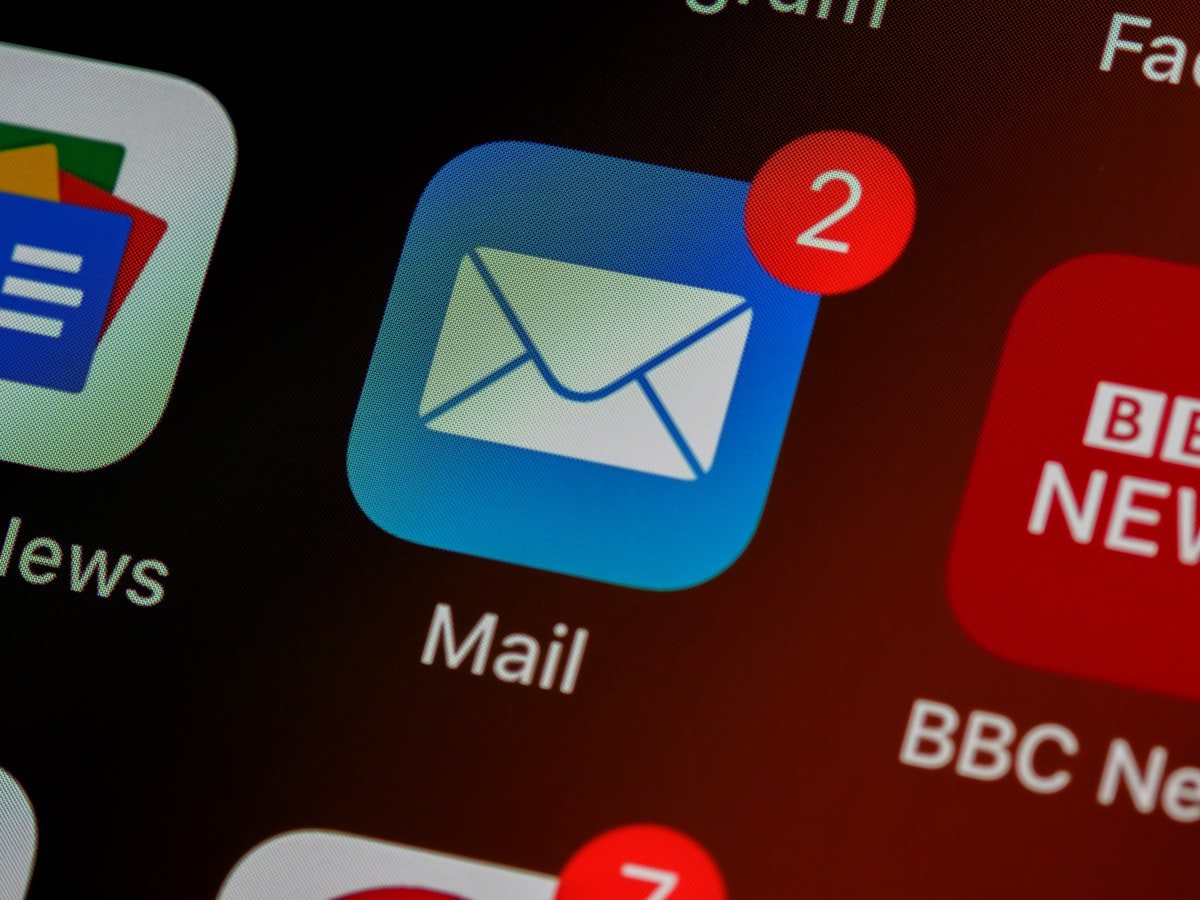
Gmail caps at 25MB. Outlook at 20MB. If your PDF is too large, compress it in 3 seconds — no signup needed. Upload to MegaConvert.io and select JPG — done in seconds, free.
The Problem
You're trying to email a PDF but your email client rejects it. 'Attachment too large.' You don't want to use a cloud link — you just want to make the file smaller.
Why Convert?
- Gmail — 25MB limit.
- Outlook — 20MB limit.
- Yahoo/ProtonMail — 25MB limit.
- Many corporate email servers cap at 10MB.
How to Convert Online
- Go to megaconvert.io/pdf-to-jpg.
- Drag and drop your .pdf file.
- Download your .jpg.
No account. No watermarks. Files auto-delete after 1 hour.
Related Conversions
- PDF to Word — edit then re-export smaller.
- Word back to PDF — after editing.
For Developers: API
curl -X POST https://megaconvert.io/api/v1/convert/sync \
  -H "X-API-Key: YOUR_API_KEY" \
  -F "file=@input.pdf" \
  -F "output_format=jpg" \
  -o output.jpg
#pdf
#compress
#file-size
#email
Ready to convert your files?
Free online converter supporting 500+ formats. No signup required.
Start Converting