How to Convert RAW Photos to JPG (No Lightroom Needed)
M
MegaConvert Team
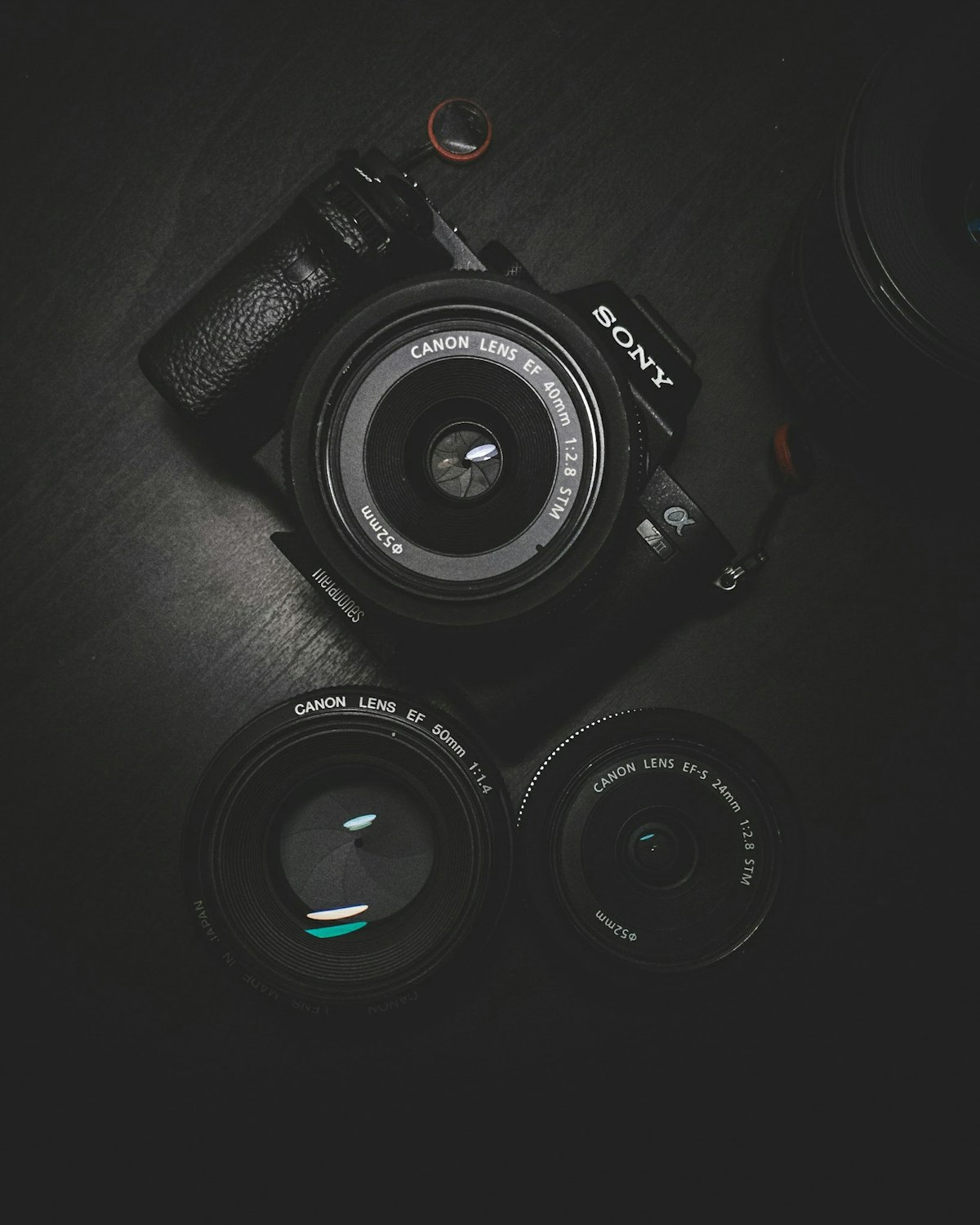
RAW files from your camera are 20-60MB each and can't be viewed in most apps. Converting to JPG makes them usable without Lightroom. Upload to MegaConvert.io and select JPG — done in seconds, free.
The Problem
You shot photos in RAW for maximum quality. Now you have 200 files at 30MB each that you can't email, post on social media, or even preview on your phone without special software.
Why Convert?
- No special software needed — JPG opens everywhere.
- File size — 30MB RAW becomes 3MB JPG.
- Sharing — email, social media, messaging all handle JPG.
- Printing — most print services accept JPG, not RAW.
How to Convert Online
- Go to megaconvert.io/cr2-to-jpg.
- Drag and drop your .cr2 file.
- Download your .jpg.
No account. No watermarks. Files auto-delete after 1 hour.
Related Conversions
- NEF to JPG — Nikon.
- ARW to JPG — Sony.
- CR3 to JPG — Canon new.
- DNG to JPG — Adobe universal.
- TIFF to JPG — large scans.
For Developers: API
curl -X POST https://megaconvert.io/api/v1/convert/sync \
  -H "X-API-Key: YOUR_API_KEY" \
  -F "file=@input.cr2" \
  -F "output_format=jpg" \
  -o output.jpg
#jpg
#raw
#cr2
#nef
#arw
#photography
Ready to convert your files?
Free online converter supporting 500+ formats. No signup required.
Start Converting